

SuperBox S7 Ultra 6K Smart Streaming TV Box
$449.00
促销价
$449.00
常规价格
跳至产品信息


SuperBox S7 Ultra 6K Smart Streaming TV Box
The SuperBox S7 Ultra is a premium Android 12 streaming TV box with metal casing and built-in LED time display. Featuring 4GB DDR RAM + 128GB storage, quad-core ARM processor, Wi-Fi 6 dual antennas, 1000Mbps Ethernet and Bluetooth 5.2, the SuperBox S7 Ultra supports H.265 6K@60fps ultra HD video decoding. The SuperBox S7 Ultra comes with full ports to match all TVs and audio devices, offering lag-free streaming, gaming and local media playback for your whole family's home entertainment.
$449.00
促销价
$449.00
常规价格
✅ Security and Service
∨
🛡️
Payment Security
🔒
Privacy Protection
🚚
Efficient and Safe Logistics
🎧
Customer Service

The SuperBox S7 Ultra is our top-tier streaming solution built for ultimate viewing freedom. Equipped with Android 12, 4GB+128GB high-speed memory, brand-new streamlined interface, smart voice control, flexible family content filters and revolutionary time shifting, it merges powerful hardware with user-centric features in an elegant compact chassis.
.jpg?w=1000&h=400)
All the top-tier features you want in one streaming box! SuperBox S7 Ultra features Android 12, quad-core CPU, 4GB+128GB storage, 6K resolution, dual-band WiFi, voice Bluetooth remote, 7-day time shifting and family viewing controls, for lag-free, family-friendly entertainment at home.
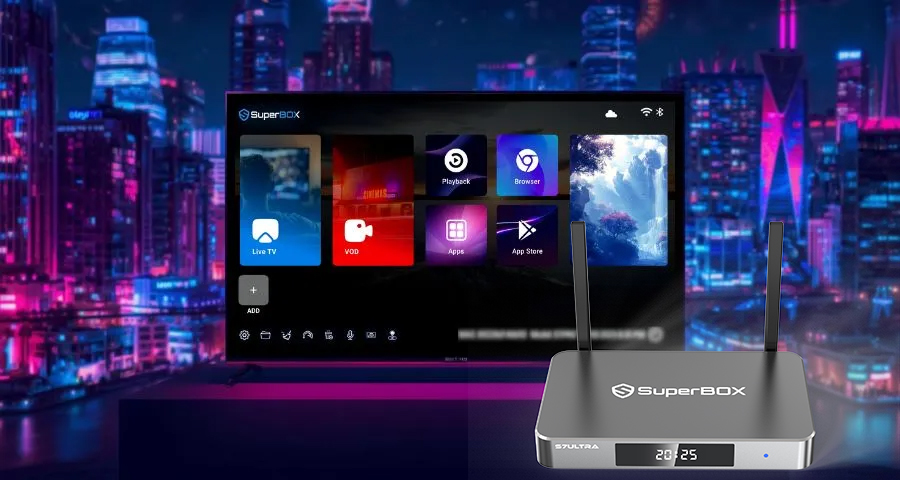
Premium Polished New UI for S7 Ultra
Sporting a sleek dark gray-black modern theme, this upgraded interface features quicker menus, seamless transitions and ultra-sharp icons. Advanced multi-dimensional filters simplify content browsing, while Favorites, History and resume playback create fully customized streaming experiences for the whole family.
.jpg?w=834&h=417)
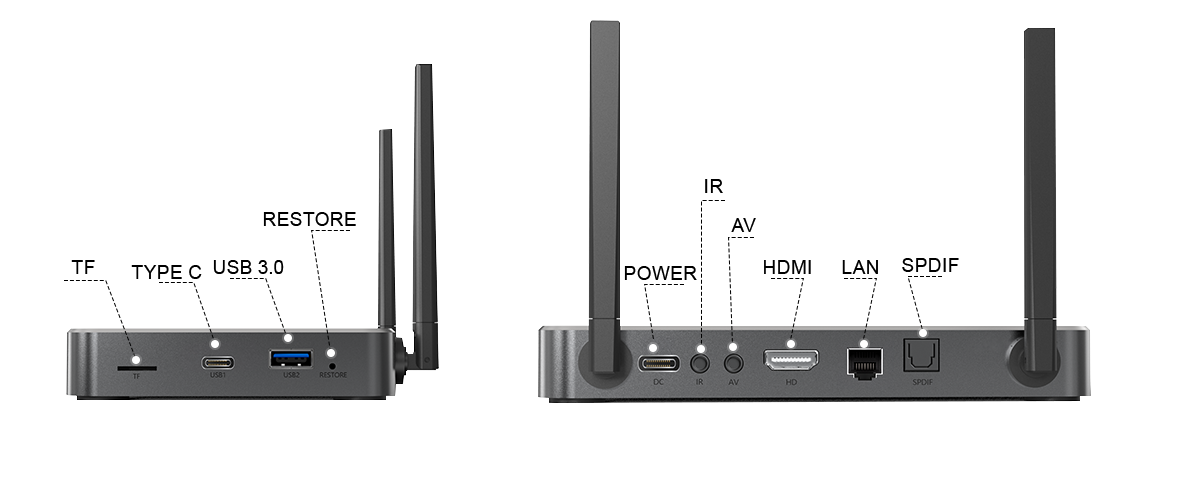
Full-Range Versatile Interface Design
This streaming box features an extensive port lineup: Type-C power, dual Type-C & USB 3.0 data ports, TF card slot, HDMI, AV, SPDIF audio, Gigabit Ethernet, IR and restore hole. The abundant connections support external storage, high-definition video output, lossless digital audio and wired network access, enabling flexible pairing with all your home audio-visual gear.
Convenient Backlit Remote for Low-Light Use
Equipped with gentle backlighting, this remote keeps all buttons visible even in dark spaces. No more struggling to find controls during late-night watching; its user-friendly layout suits viewers of all ages for smooth, hassle-free operation.
.jpg?w=1668&h=833)
Up to 7-Day Time Shift
.jpg?w=834&h=417)
The SuperBox S7 Ultra raises the bar for flexible viewing with industry-leading 7-day time shift playback. Feel free to pause live broadcasts, rewind missed highlights, and replay your favorite programs whenever your schedule allows. Paired with its generous 128GB built-in storage, it delivers ample space to save recordings, replay footage, and all your streaming apps.
Powerful 6K Ultra HD Decoding
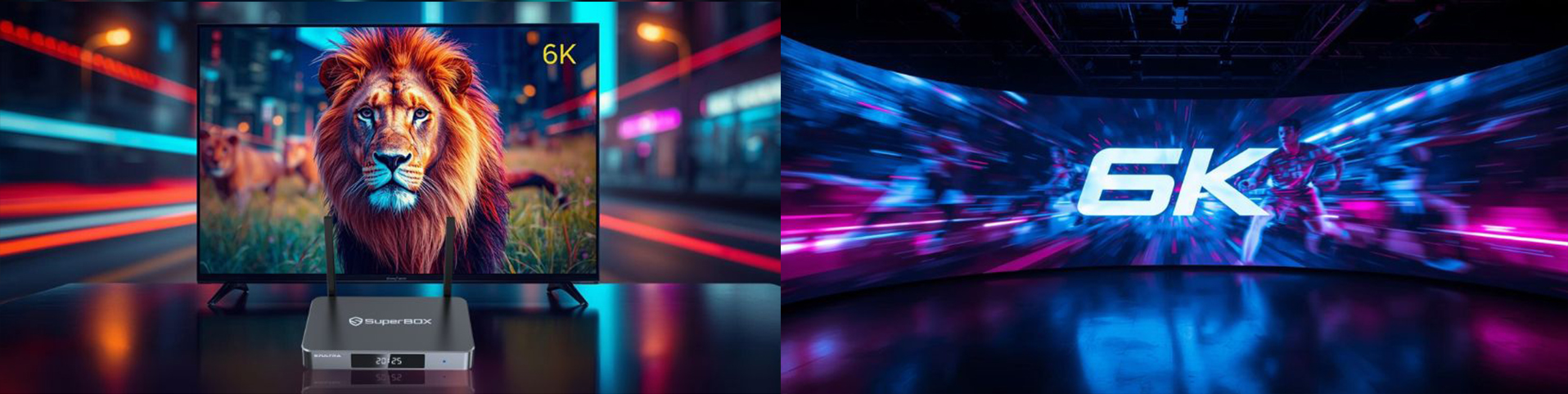
Support for full 6K resolution unlocks sharp, vibrant, true-to-life visuals. It flawlessly handles high-detail footage and fast-moving action sequences, presenting vivid colors and crisp textures.
Smarter Parental Control
.jpg?w=1668&h=833)
The S7 Ultra's thoughtful parental control feature lets families craft a secure age-appropriate viewing environment with ease.
Enhanced Smart Voice Search & Control
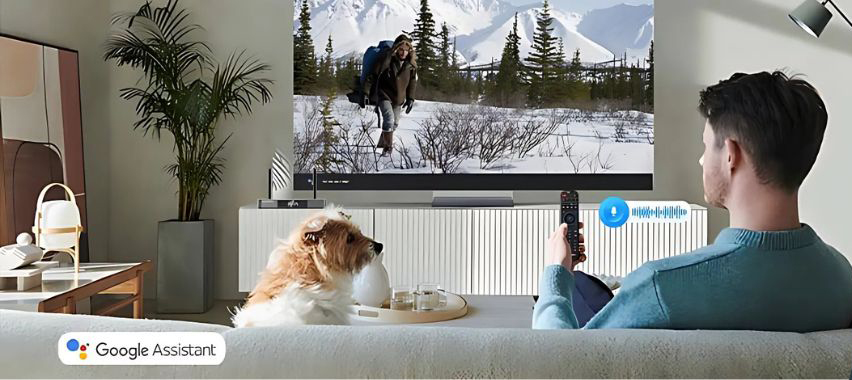
The improved voice command system delivers faster, more accurate voice response. Skip scrolling and speak directly to pull up your favorite media.
WiFi 6 Support
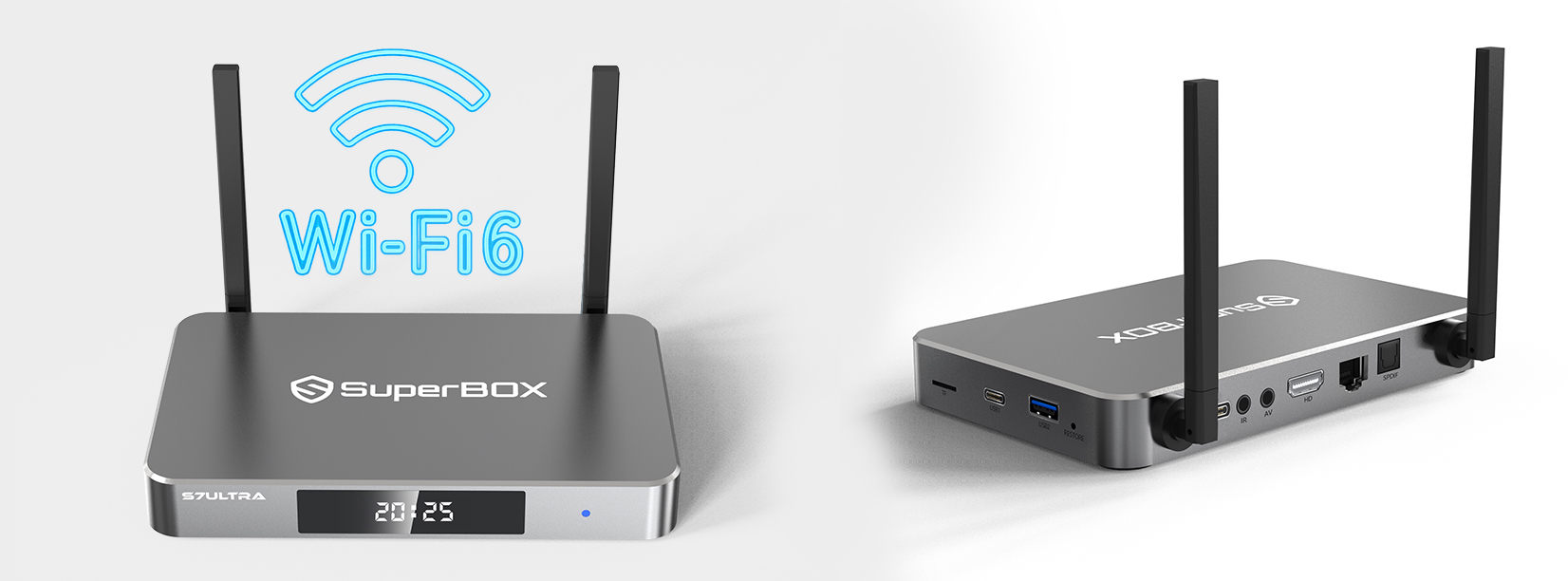
SuperBox S7 Ultra Ports Configuration
SuperBox S7 Ultra Specifications
Specification |
Details |
|---|---|
Model |
SuperBox S7 Ultra |
Operating System |
Android 12.0 |
Processor |
Quad-core ARM Cortex-A53 |
GPU |
Mali-G31 MP2 |
RAM |
4GB DDR |
Storage |
128GB eMMC |
WiFi |
Dual Band, WiFi-6 Supported |
Ethernet |
1000Mbps Ethernet |
Video Decoder |
H.265 6K@60fps |
Power Supply |
DC 5V/2A |
Bluetooth |
5.2 |
USB |
3.0 |
What's In The Package
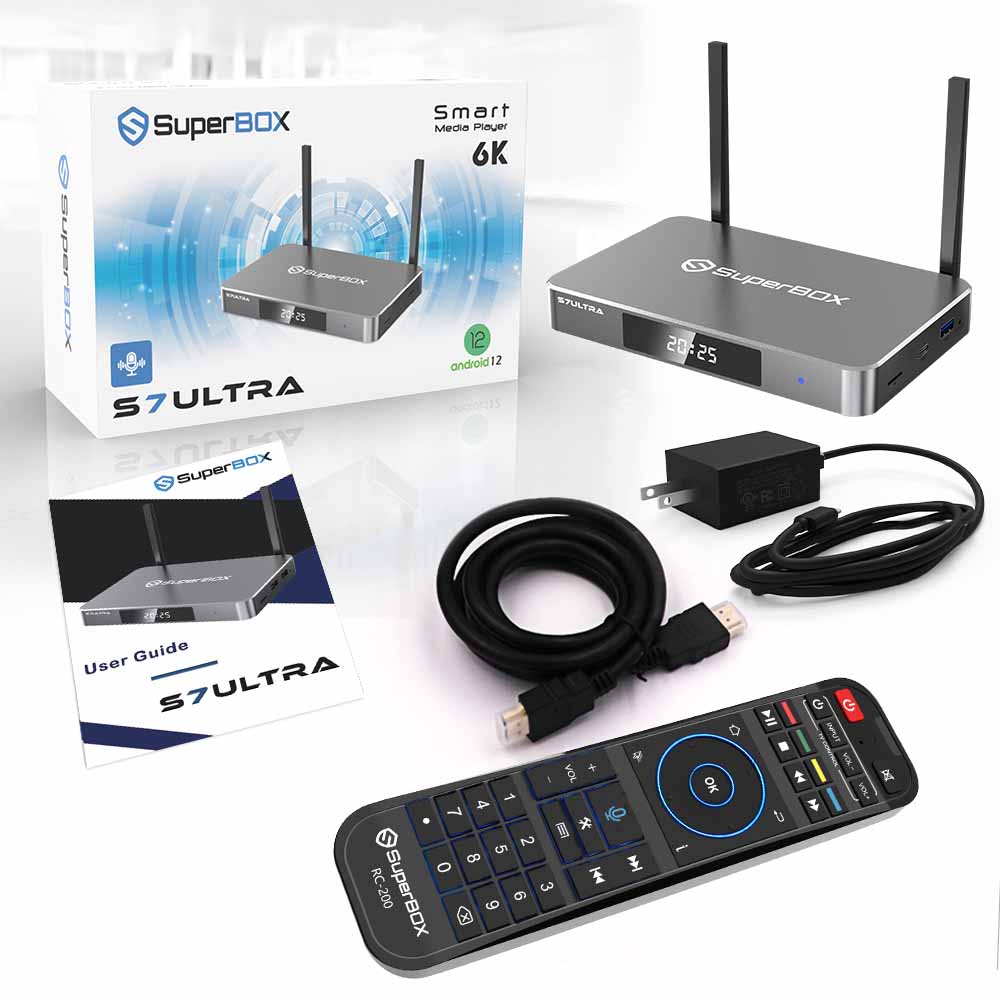
SuperBox S7 Ultra TV Box
Voice Command Remote Control
HDMI Cable
Power Supply Cable
User Guide
Frequently Asked Questions
What makes the SuperBox S7 Ultra different from other models?
The S7 Ultra is the top-tier model in the SuperBox lineup. It features 128GB storage (the largest available), a 7-day time shift, a backlit voice remote, USB 3.0, and an upgraded UI — making it the most feature-complete streaming box in the range.
Does the SuperBox S7 Ultra support Netflix?
Yes. Running Android 12 with full Google Play Store access, you can install Netflix, YouTube, Disney+, Amazon Prime Video, and thousands of other apps.
How does the 7-day Time Shift work?
Time Shift lets you pause, rewind, and replay any live TV content from the past 7 days. Missed a live game or show? Just go back and watch it at your convenience — no recording needed.
How much storage does the S7 Ultra have?
128GB eMMC storage with 4GB DDR RAM — the largest storage capacity in the SuperBox range, giving you plenty of room for apps, recordings, and downloads.
Does it support Wi-Fi 6?
Yes. The SuperBox S7 Ultra supports dual-band Wi-Fi 6 for fast wireless streaming, plus a 1000Mbps Gigabit Ethernet port for a stable wired connection.
Does it support 6K resolution?
Yes. The H.265 decoder supports up to 6K@60fps, delivering sharp, vibrant visuals even on large screens.
Does the remote have a backlight?
Yes. The S7 Ultra comes with a backlit voice remote, making it easy to use in dark rooms without fumbling for buttons.
Does it have parental controls?
Yes. You can set content restrictions and lock specific channels to create a safe, age-appropriate viewing environment for children.
How to Set Up a SuperBox S7 Ultra in Minutes
If you're looking for a powerful yet easy-to-use media streaming device, the SuperBox S7 Ultra is the answer. With the SuperBox Android TV platform, you can enjoy thousands of live TV channels, movies, sports, and more — no cable subscription required.
Step 1: Get Connected
Insert the power adapter into both the wall outlet and the SuperBox S7 Ultra.
Connect the HDMI cable from the box to your TV.
Step 2: Power On
Turn on your TV and select the correct HDMI input source.
Press the power button on the box or the remote to turn on your SuperBox S7 Ultra.
Step 3: Set-Up Guide
Select the display scale that fits your screen.
Follow the on-screen instructions to connect via Wi-Fi or Ethernet.
Step 4: Premium Apps
Navigate to Apps and open the App Store.
Install your preferred premium apps.
Launch the newly installed apps and download the content catalog.