

SuperBox S6 Max 6K Smart Streaming Box
$329.00
促销价
$329.00
常规价格
跳至产品信息


SuperBox S6 Max 6K Smart Streaming Box
The SuperBox S6 Max is a stylish blue metal Android 12 streaming TV box with voice control and LED time display. Equipped with 4GB RAM + 128GB storage, dual signal antennas, gigabit Ethernet and Bluetooth 5.0, the SuperBox S6 Max supports 6K H.265 ultra HD decoding, providing smooth buffer-free streaming, gaming and local media playback for all your home entertainment needs.
$329.00
促销价
$329.00
常规价格
✅ Security and Service
∨
🛡️
Payment Security
🔒
Privacy Protection
🚚
Efficient and Safe Logistics
🎧
Customer Service
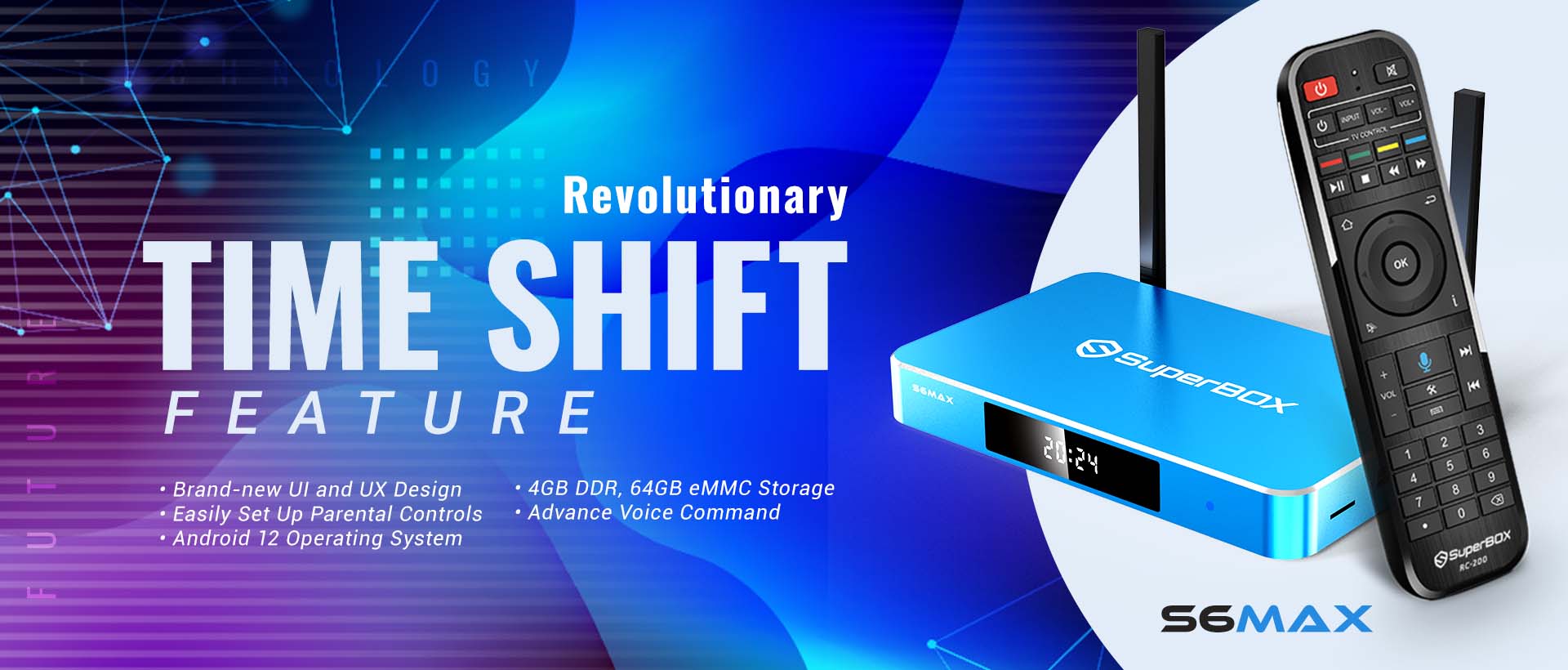
SuperBox S6 Max is a high-performance IPTV box engineered for seamless home entertainment. Featuring 8-hour Time Shift playback, it lets you pause and rewind recent live TV at will. Equipped with 4GB RAM + 64GB storage, WiFi 6 dual-band wireless and 1000Mbps wired LAN, it ensures smooth, lag-free streaming at all times. The upgraded Bluetooth voice remote eliminates tedious manual browsing, enabling quick hands-free content lookup for a simpler viewing experience.
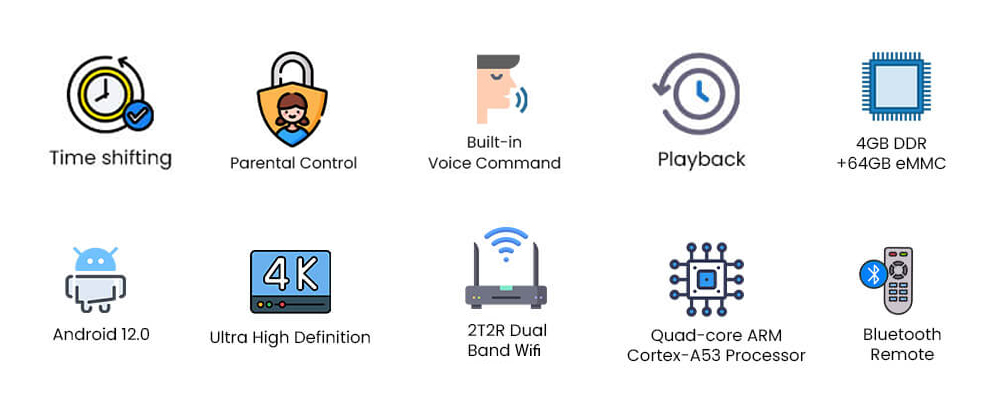
Check all the top-tier features of SuperBox S6 Max! Quad-core CPU, Android 12, 4GB+64GB storage, 4K resolution, dual-band WiFi, Bluetooth voice remote, time shift function and family-friendly parental controls, everything you need for perfect streaming at home.
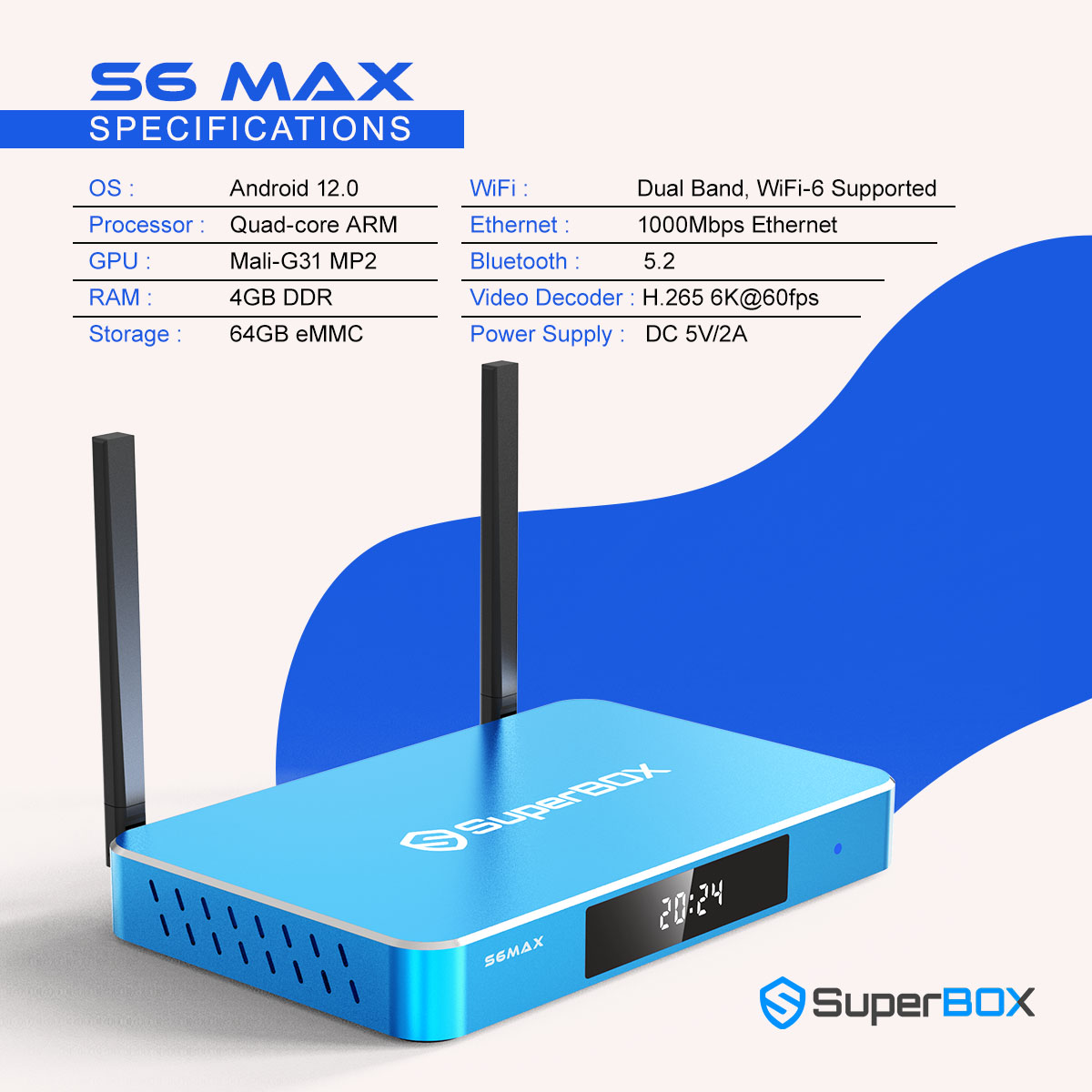
Complete Hardware Specs of SuperBox S6 Max
Core Performance: Android 12.0 OS, Quad-core ARM CPU + Mali-G31 MP2 GPU, 4GB DDR + 64GB eMMC memory
Network Connection: WiFi 6 Dual Band WiFi, 1000Mbps Ethernet, Bluetooth 5.2
Video & Power: H.265 6K@60fps video decoding, DC 5V/2A power input
This full set of high-end specs ensures fast loading, stable streaming, crisp high-resolution playback and effortless Bluetooth device connection for your home entertainment setup.
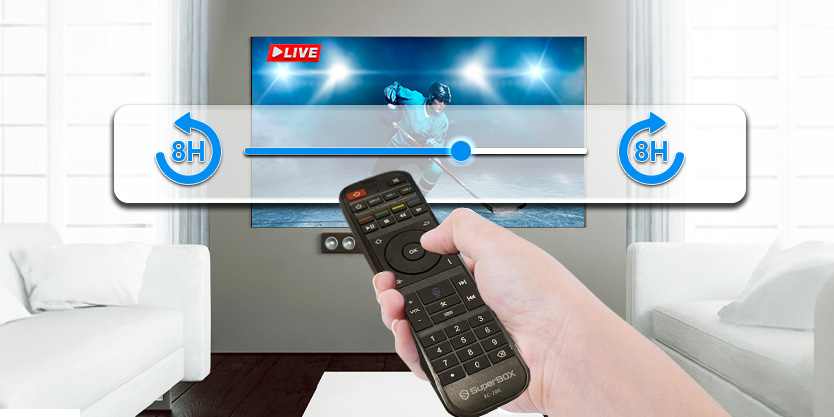
Revolutionary Time Shift Function
Easy Set-Up Parental Control

Voice Command – Hands-Free Streaming Control

Ports Configuration
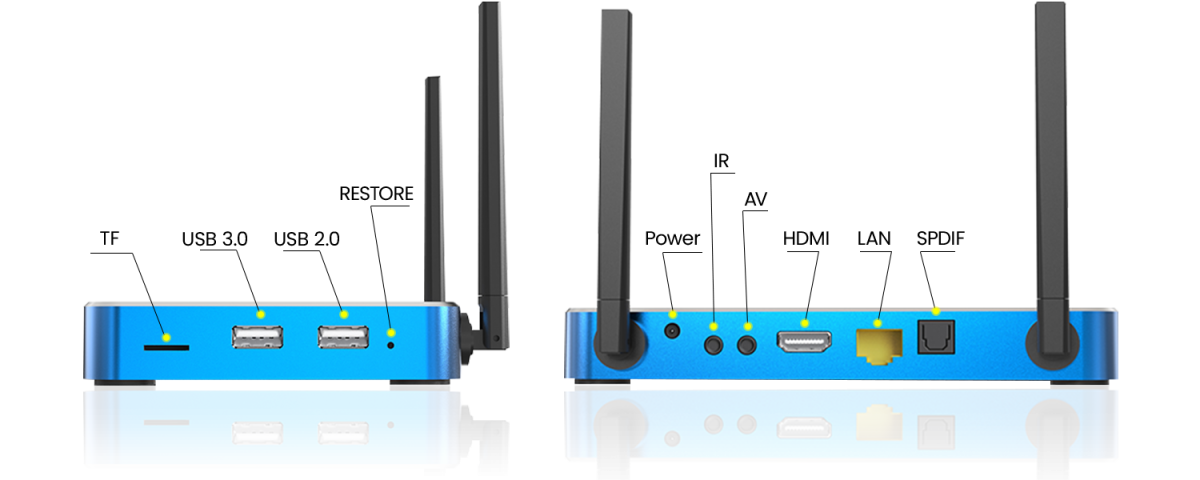
SuperBox S6 Max Specifications
| Specification | Details |
|---|---|
| Model | SuperBox S6 Max |
| Operating System | Android 12.0 |
| Processor | Quad-core ARM Cortex-A53 |
| GPU | Mali-G31 MP2 |
| RAM | 4GB DDR |
| Storage | 64GB eMMC |
| WiFi | Dual Band (2.4G+5G), WiFi 6 |
| Ethernet | 1000Mbps Ethernet |
| Bluetooth | 5.2 |
| Controller Type | Voice Control Remote, Keyboard Compatible |
| Video Decoder | H.265 6K@60fps |
| Power Supply | DC 5V/2A |
What's In The Package
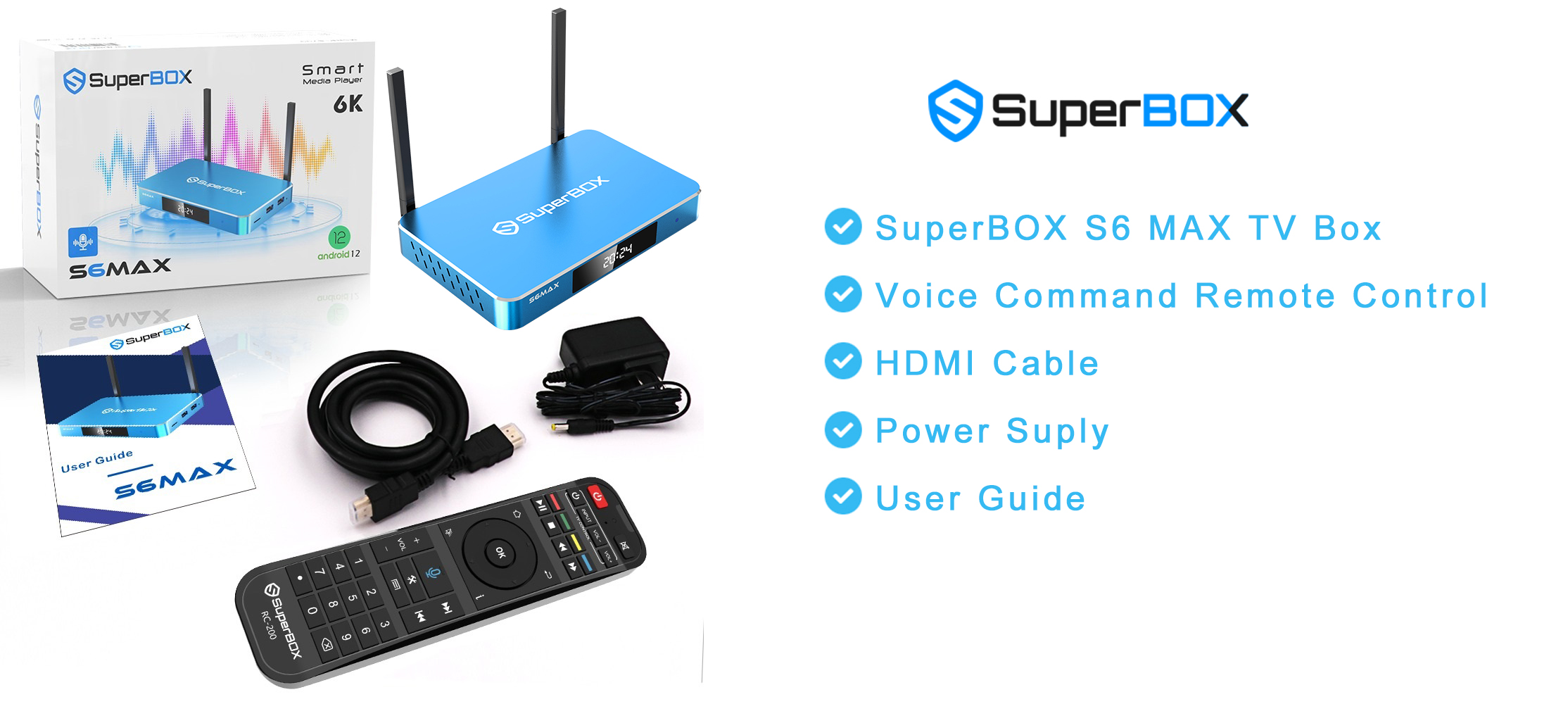
SuperBox S6 Max TV Box
Voice Command Remote Control
HDMI Cable
Power Supply Cable
User Guide
Frequently Asked Questions
Does the SuperBox S6 Max support Netflix?
Yes. The SuperBox S6 Max runs Android 12 with full access to the Google Play Store, allowing you to install Netflix, YouTube, Disney+, Amazon Prime Video, and thousands of other apps.
How much storage does the SuperBox S6 Max have?
The SuperBox S6 Max comes with 64GB eMMC internal storage and 4GB DDR RAM — double the storage of the S6 Pro — giving you plenty of room for apps, downloads, and content.
What is the Time Shift feature?
Time Shift lets you pause, rewind, and replay live TV for up to 8 hours. If you miss a moment during a live broadcast or sports event, you can instantly go back and watch it again.
Does the SuperBox S6 Max support 4K or 6K streaming?
Yes. It features an H.265 video decoder supporting up to 6K resolution at 60fps, fully compatible with 4K and HDR content on supported platforms.
Does it support Wi-Fi 6?
Yes. The SuperBox S6 Max supports dual-band Wi-Fi 6 (2.4G + 5G) for faster, more reliable wireless streaming. It also includes a 1000Mbps Gigabit Ethernet port for a stable wired connection.
Is it compatible with any TV?
Yes. Any TV with an HDMI port is compatible with the SuperBox S6 Max, including standard HDTVs, 4K TVs, and smart TVs.
Does it have parental controls?
Yes. The SuperBox S6 Max includes easy-to-set parental controls, allowing you to lock specific channels and filter content to keep streaming safe for the whole family.
Does it come with a voice remote?
Yes. It includes a Bluetooth voice remote control and is also compatible with keyboards for easy text input and navigation.
How to Set Up a SuperBox S6 Max in Minutes
If you're looking for a powerful yet easy-to-use media streaming device, the SuperBox S6 Max is the answer. With the SuperBox Android TV platform, you can enjoy thousands of live TV channels, movies, sports, and more — no cable subscription required. Use voice control to navigate effortlessly and access over 500,000 apps on the Google Play Store.
Step 1: Get Connected
Insert the power adapter into both the wall outlet and the SuperBox S6 Max.
Connect the HDMI cable from the box to your TV.
Step 2: Power On
Turn on your TV and select the correct HDMI input.
Press the power button on the box or the remote to turn on your SuperBox S6 Max.
Step 3: Set-Up Guide
Select the display scale that fits your screen.
Follow the on-screen instructions to connect via Wi-Fi or Ethernet.
Step 4: Premium Apps
Navigate to Apps and open the App Store.
Install your preferred premium apps.
Launch the newly installed apps and download the content catalog.